
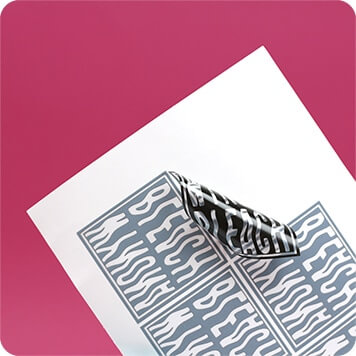
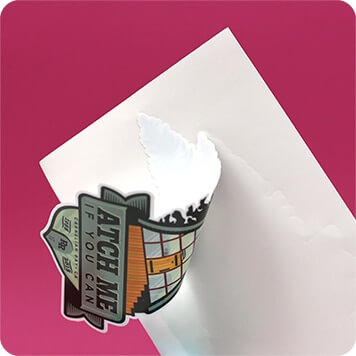
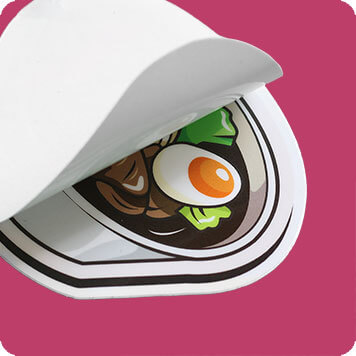





Our window and cling stickers are great for advertising your product or service on car windows, shops, bars and restaurants, offices and internal windows. Our size range suits all, from small window and cling stickers through to giant displays.
Window and cling stickers are also great for internal and external signage. We have a range of custom window and self cling sticker products perfect for all applications, all with the high quality printing you’d expect from Diginate. All of our window and cling sticker products can be cut to any shape, and are available with no minimum order.
We have four products in the Window and Cling sticker range:
Gloss Window
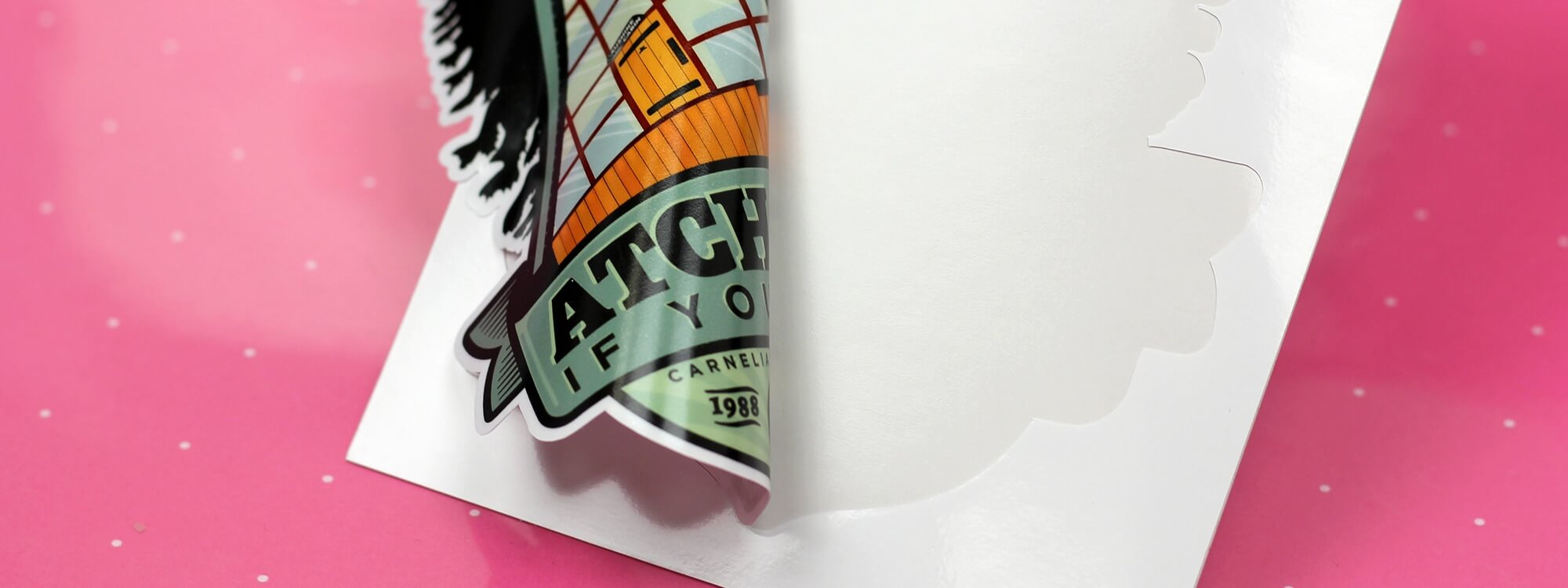
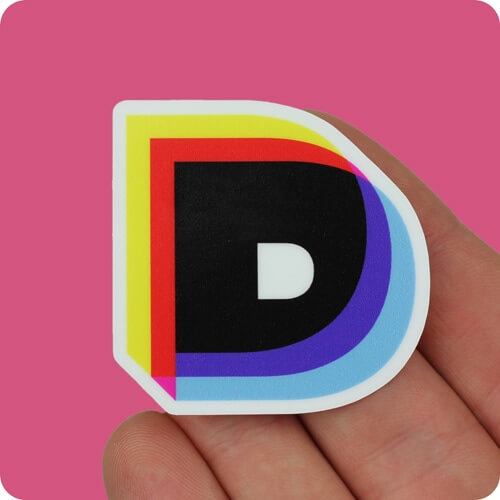
Our gloss window stickers are reverse printed for application onto the inside of the window facing out. The image is printed onto the adhesive side of the sticker, whilst the reverse is white. Gloss window stickers have a permanent adhesive, but can be removed cleanly without residue.
Clear Window
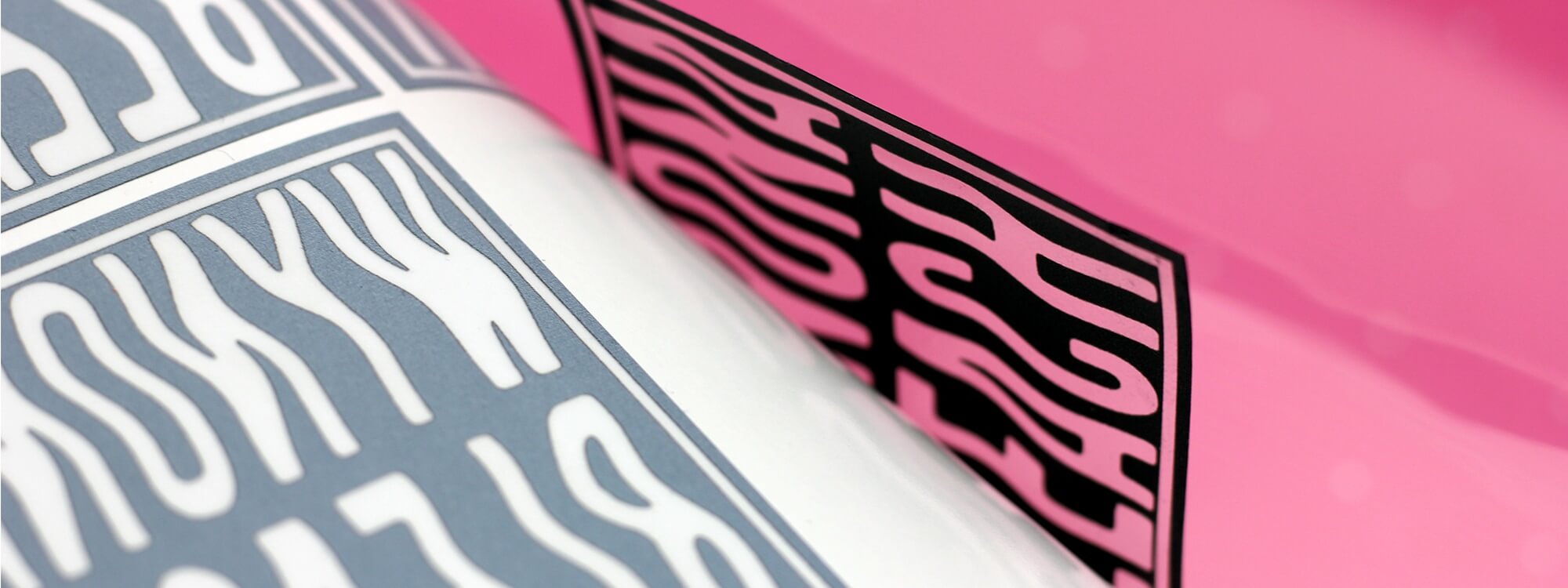
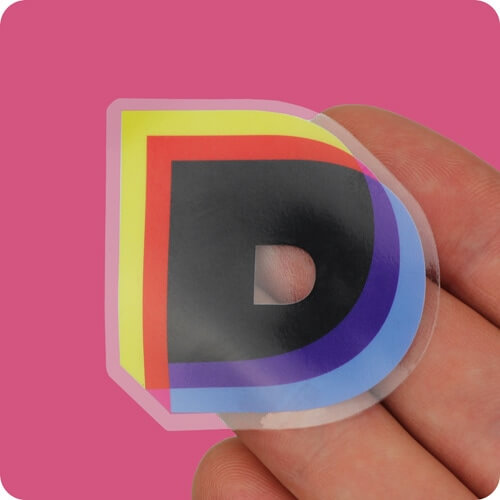
Our clear window stickers are also reverse printed for application onto the inside of the window facing out. They are printed onto a transparent film, with the image on the adhesive side of the sticker. Your design will be overprinted with white ink, so the design is as opaque as possible once applied to your window. Any transparent areas of your design will remain transparent on the finished stickers. Clear window stickers have a permanent adhesive, but can be removed cleanly without residue.
Gloss Self Cling
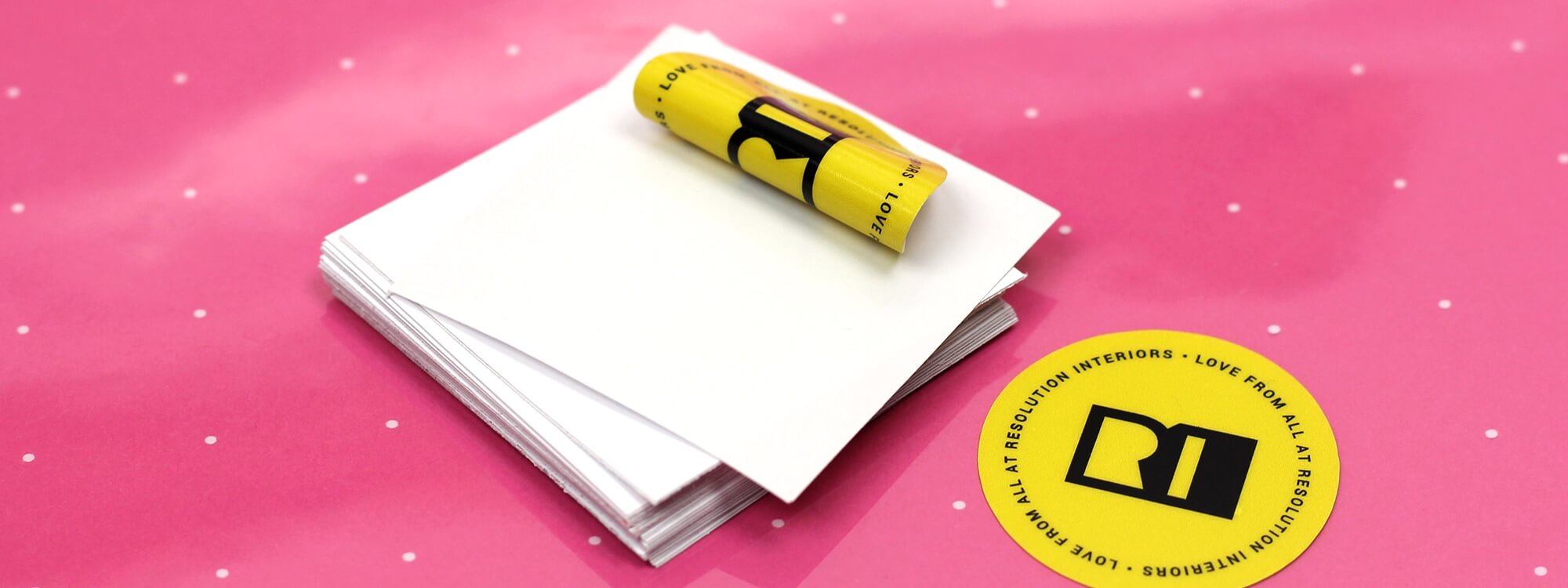
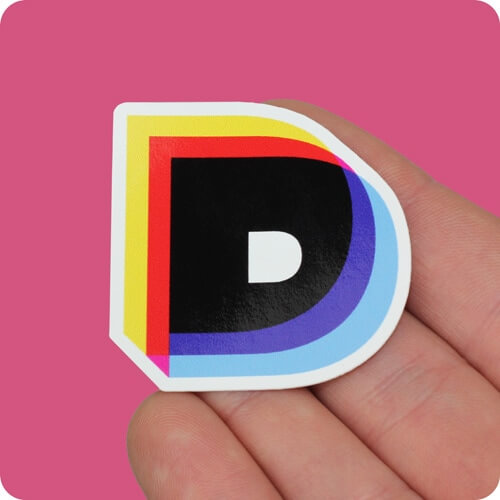
Our gloss self cling stickers don’t have an adhesive - instead, they use static to adhere to the window. Gloss self cling stickers are only suitable for use on glass - they will not adhere to plastic, and are not suitable for labelling bottles etc. The image is printed onto the surface of the film, but both sides can be adhered. As such, gloss self cling stickers are the only product in the range that can be applied to both the inside and the outside of a window (although they are not suitable for outdoor use) and on mirrors.
Clear Self Cling
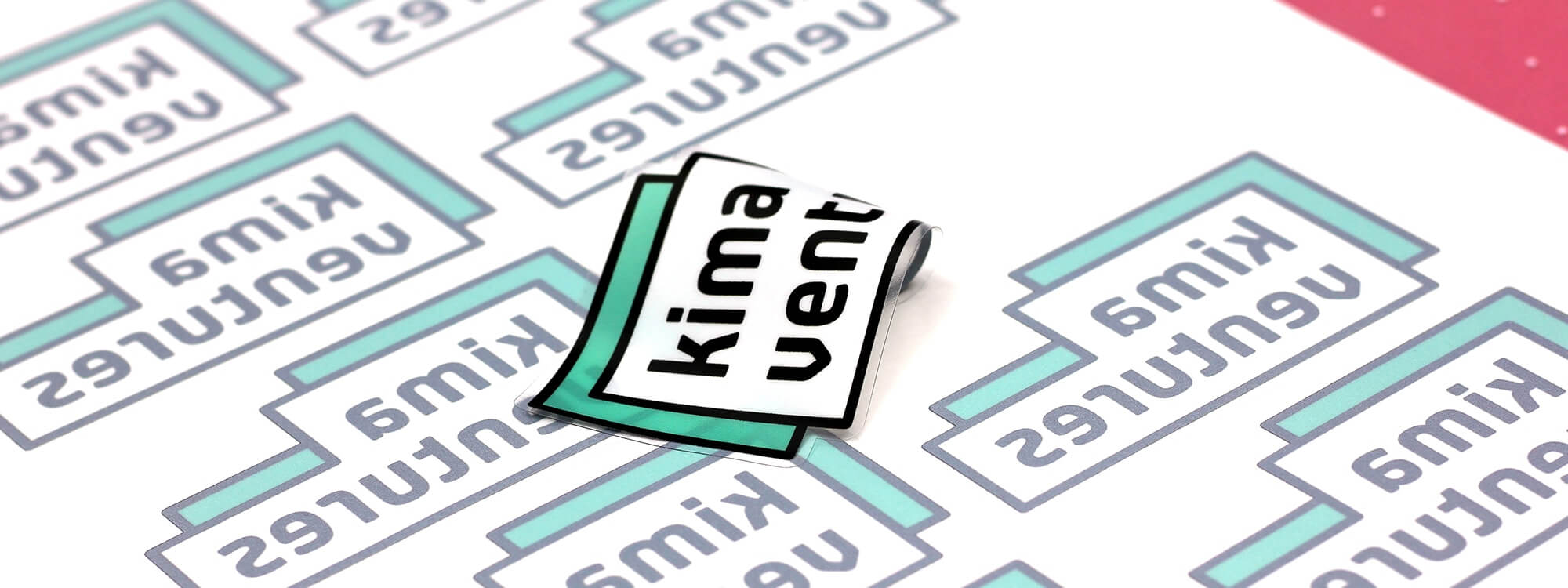
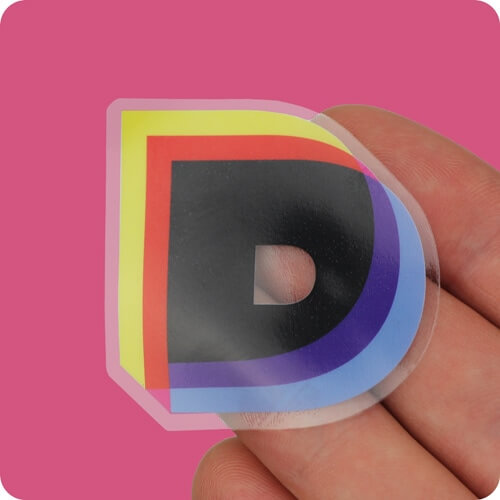
Our clear self cling stickers don’t have an adhesive - instead, they use static to adhere to the window. We reverse print the design and overprint white ink to enhance the opacity of the design when applied to your window. This means that clear self cling stickers can only be applied to the inside of a window facing out. Any transparent areas of your design will remain transparent on the finished stickers.
Window and cling stickers are also great for internal and external signage. We have a range of custom window and self cling sticker products perfect for all applications, all with the high quality printing you’d expect from Diginate. All of our window and cling sticker products can be cut to any shape, and are available with no minimum order.
We have four products in the Window and Cling sticker range:
Gloss Window
Our gloss window stickers are reverse printed for application onto the inside of the window facing out. The image is printed onto the adhesive side of the sticker, whilst the reverse is white. Gloss window stickers have a permanent adhesive, but can be removed cleanly without residue.
Clear Window
Our clear window stickers are also reverse printed for application onto the inside of the window facing out. They are printed onto a transparent film, with the image on the adhesive side of the sticker. Your design will be overprinted with white ink, so the design is as opaque as possible once applied to your window. Any transparent areas of your design will remain transparent on the finished stickers. Clear window stickers have a permanent adhesive, but can be removed cleanly without residue.
Gloss Self Cling
Our gloss self cling stickers don’t have an adhesive - instead, they use static to adhere to the window. Gloss self cling stickers are only suitable for use on glass - they will not adhere to plastic, and are not suitable for labelling bottles etc. The image is printed onto the surface of the film, but both sides can be adhered. As such, gloss self cling stickers are the only product in the range that can be applied to both the inside and the outside of a window (although they are not suitable for outdoor use) and on mirrors.
Clear Self Cling
Our clear self cling stickers don’t have an adhesive - instead, they use static to adhere to the window. We reverse print the design and overprint white ink to enhance the opacity of the design when applied to your window. This means that clear self cling stickers can only be applied to the inside of a window facing out. Any transparent areas of your design will remain transparent on the finished stickers.