
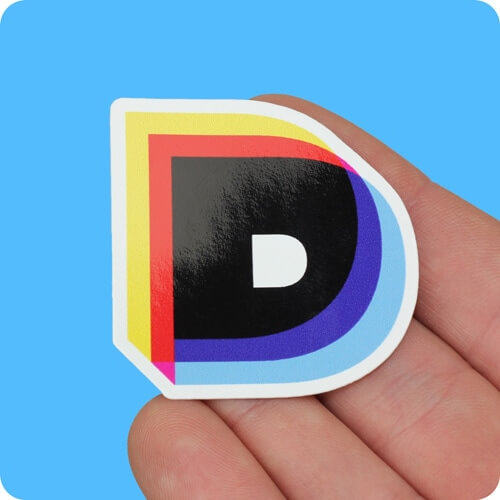
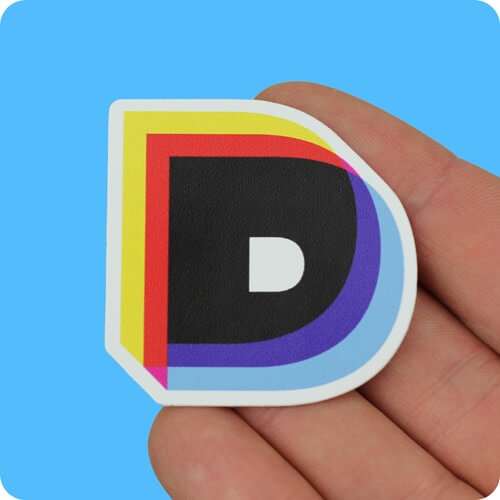
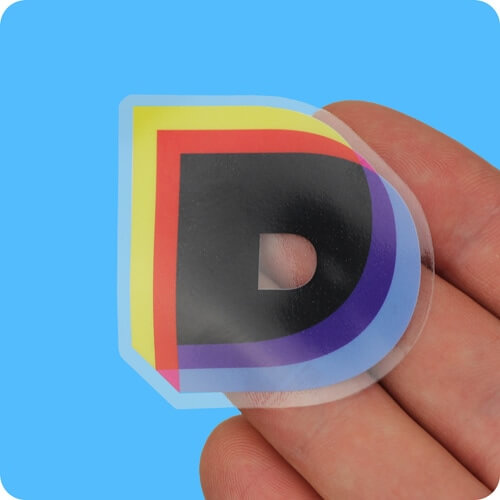
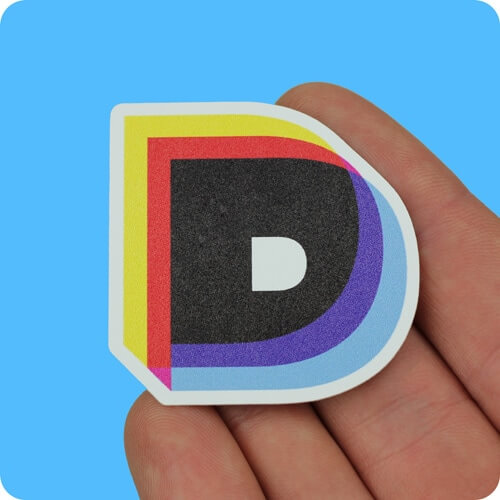
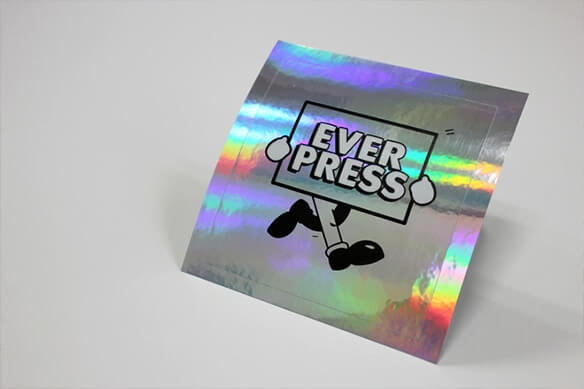


Vinyl stickers are our best selling product - they have been at the heart of our product range since the very beginning. We take pride in printing great quality vinyl stickers which are suitable for a vast range of purposes.
Materials
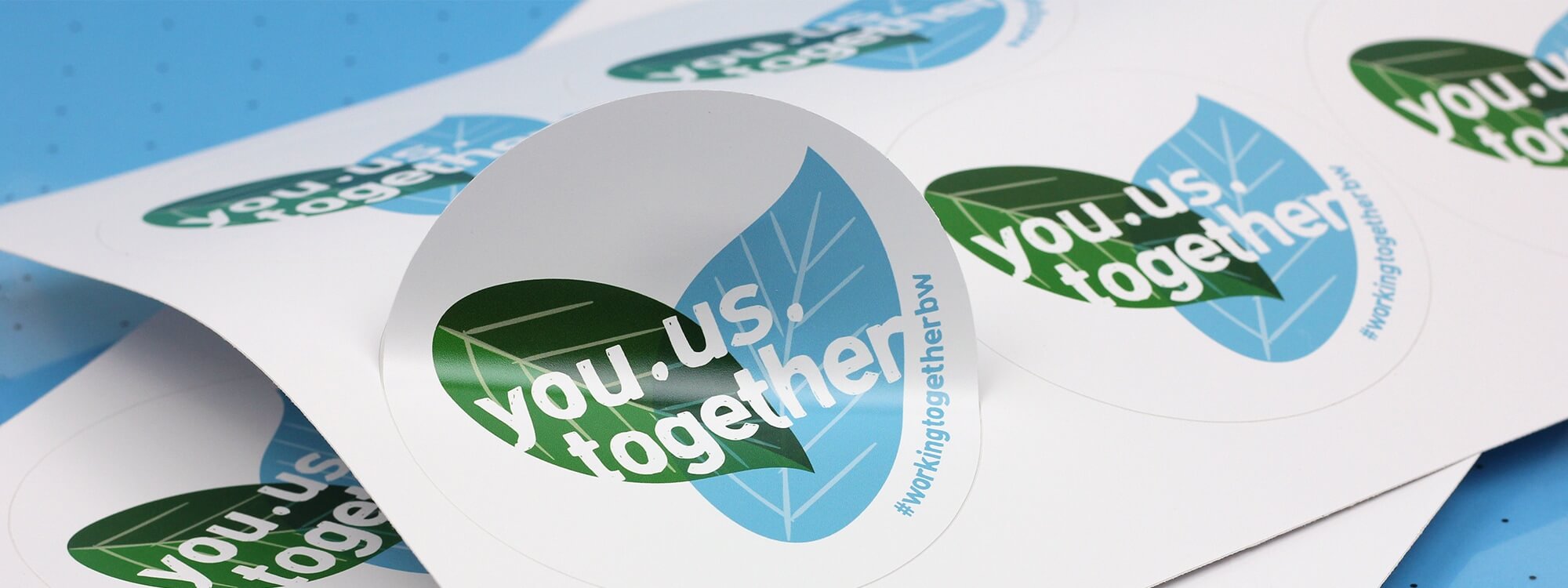
We print onto high quality vinyl and overlaminate your stickers for enhanced durability. Our vinyl stickers come in three finishes - gloss, matt and textured matt. Our gloss vinyl stickers have a high gloss finish, whilst the matt is a smooth (almost satin) look. Textured matt gives your stickers a rugged, heavy duty look.
Print Quality
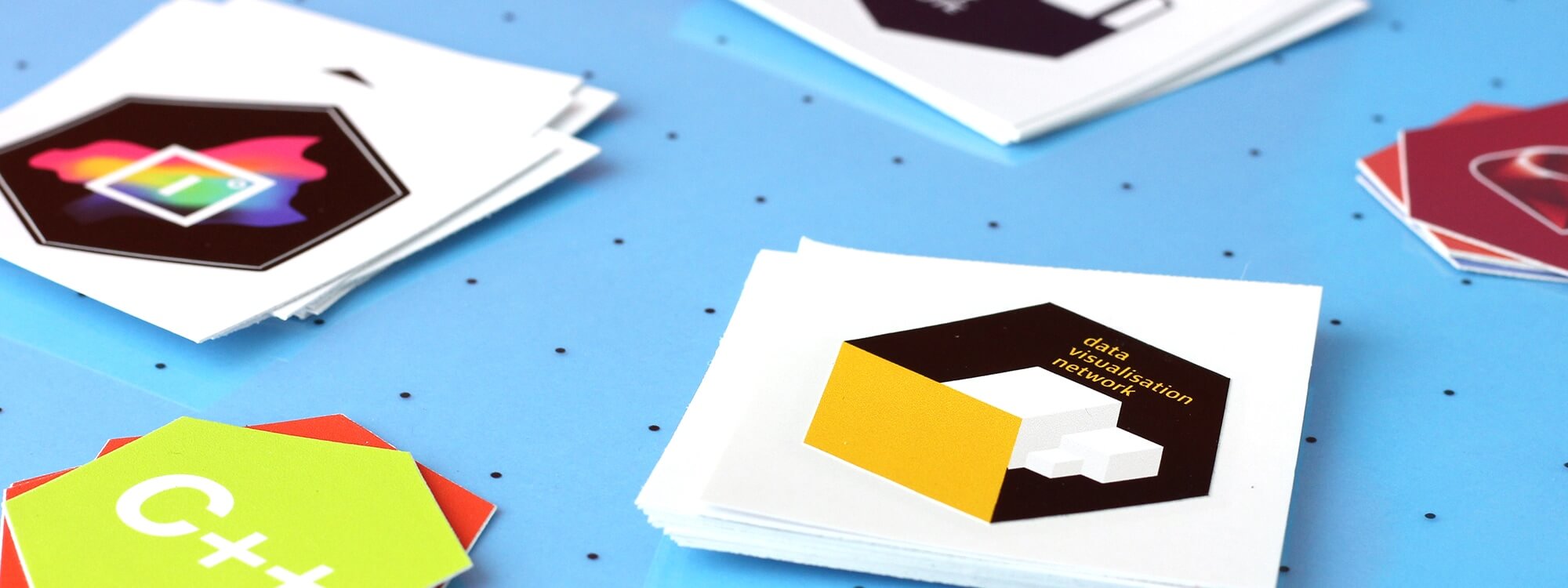
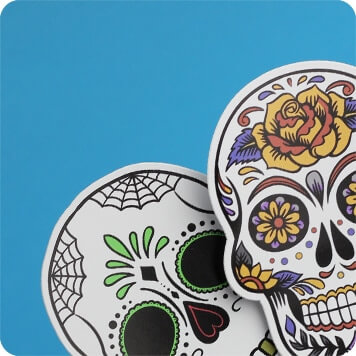
All of our vinyl stickers are printed in high resolution using 10 colour digital machines. This ensures super-sharp image quality and great colour reproduction. Photographs, logos and text all look great, and colour gradients print smoothly.
Durability
We use high quality vinyl and add a protective overlaminate for enhanced durability. This means that your vinyl stickers will be waterproof, scratch and fade resistant, and suitable for long term indoor and outdoor use. Great for product labelling, promos, signage, vehicle graphics and point of sale!
Finishing
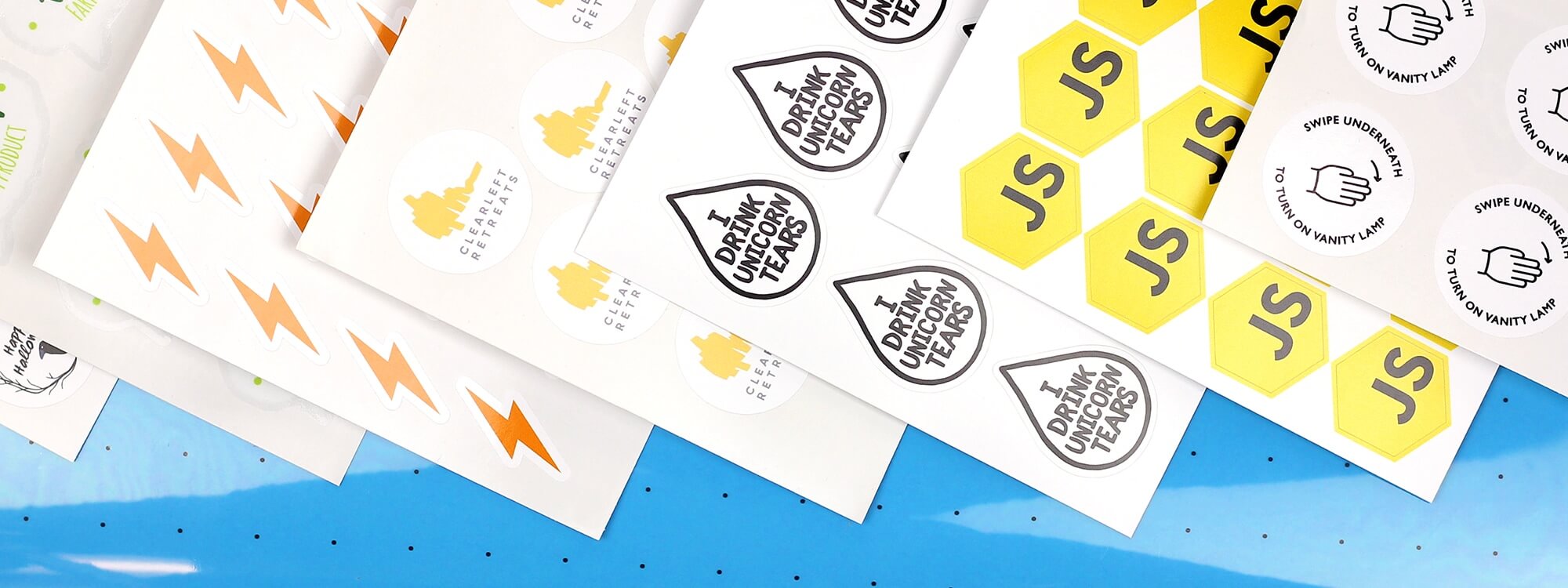
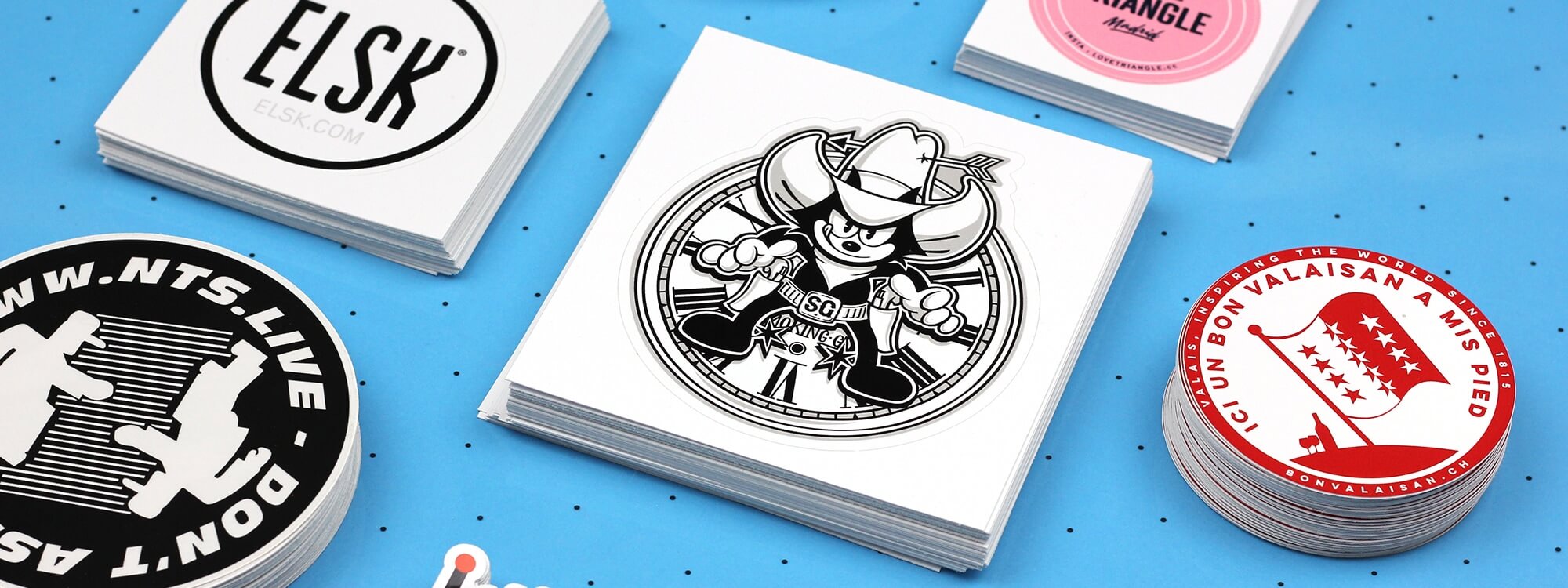
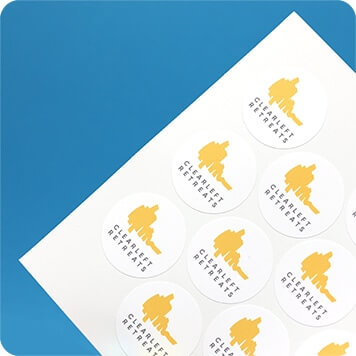
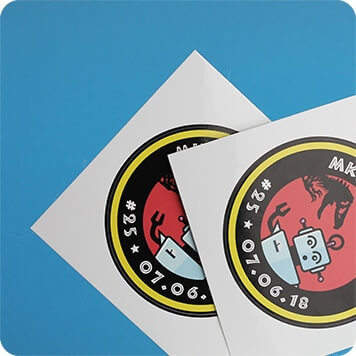
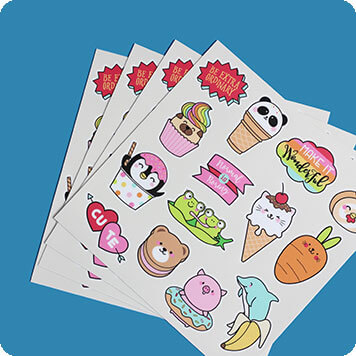
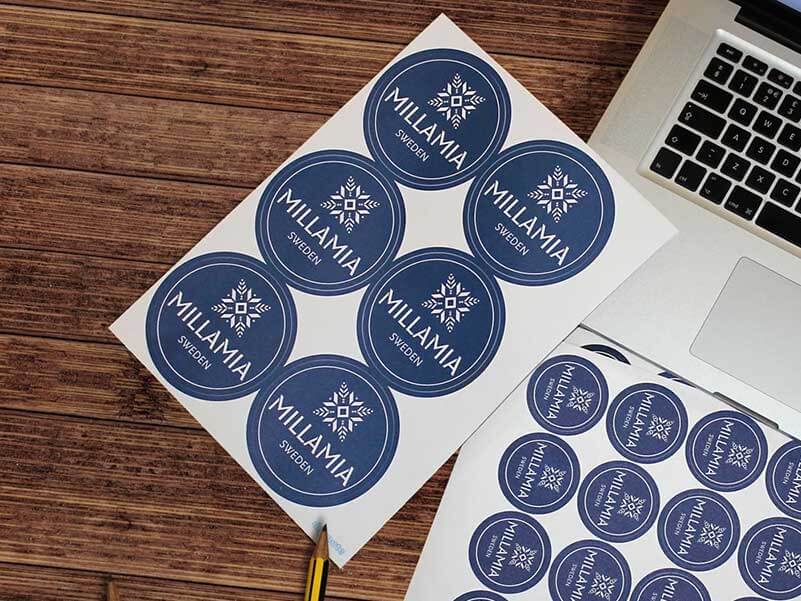
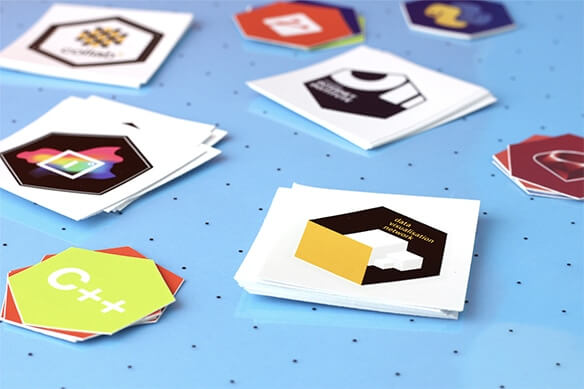
Our custom vinyl stickers are available with a range of finishing options. Your printed stickers can be supplied as multiples on sheets (great for product labelling), individuals and custom die cut stickers (great for handing out), or as custom sticker sheets with multiple different peel off designs.
Materials
We print onto high quality vinyl and overlaminate your stickers for enhanced durability. Our vinyl stickers come in three finishes - gloss, matt and textured matt. Our gloss vinyl stickers have a high gloss finish, whilst the matt is a smooth (almost satin) look. Textured matt gives your stickers a rugged, heavy duty look.
Print Quality
All of our vinyl stickers are printed in high resolution using 10 colour digital machines. This ensures super-sharp image quality and great colour reproduction. Photographs, logos and text all look great, and colour gradients print smoothly.
Durability
We use high quality vinyl and add a protective overlaminate for enhanced durability. This means that your vinyl stickers will be waterproof, scratch and fade resistant, and suitable for long term indoor and outdoor use. Great for product labelling, promos, signage, vehicle graphics and point of sale!
Finishing
Our custom vinyl stickers are available with a range of finishing options. Your printed stickers can be supplied as multiples on sheets (great for product labelling), individuals and custom die cut stickers (great for handing out), or as custom sticker sheets with multiple different peel off designs.