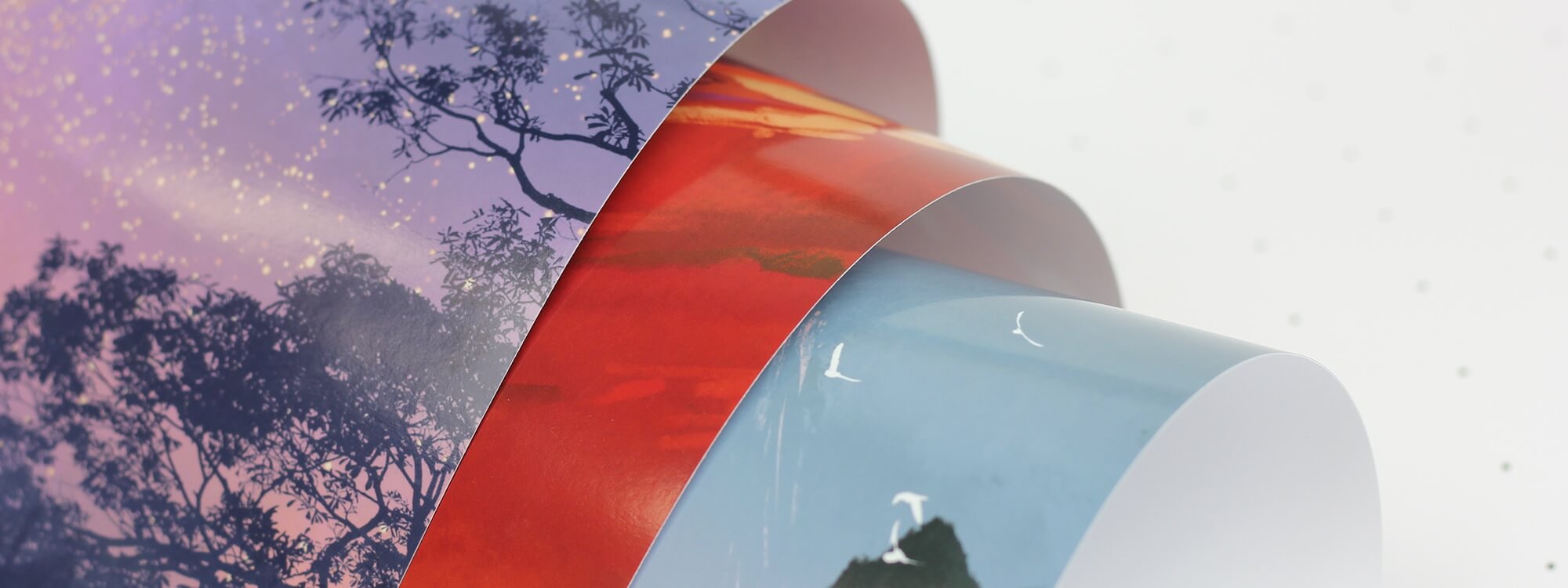
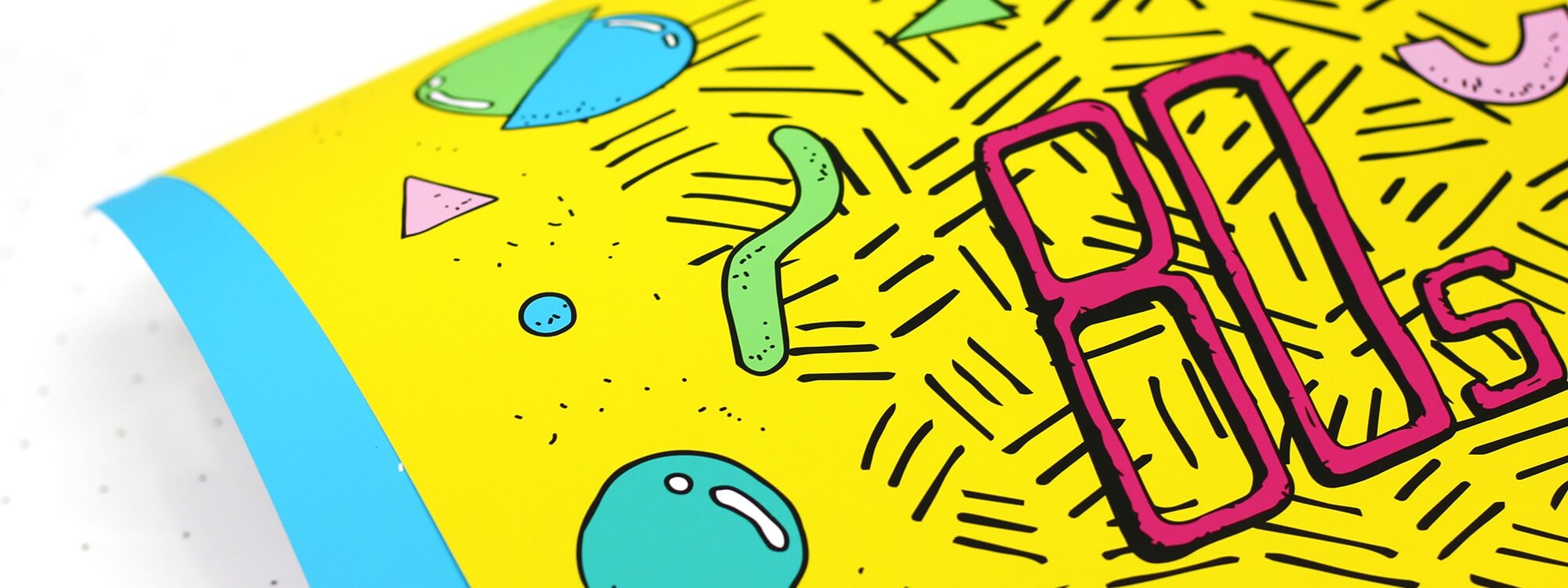
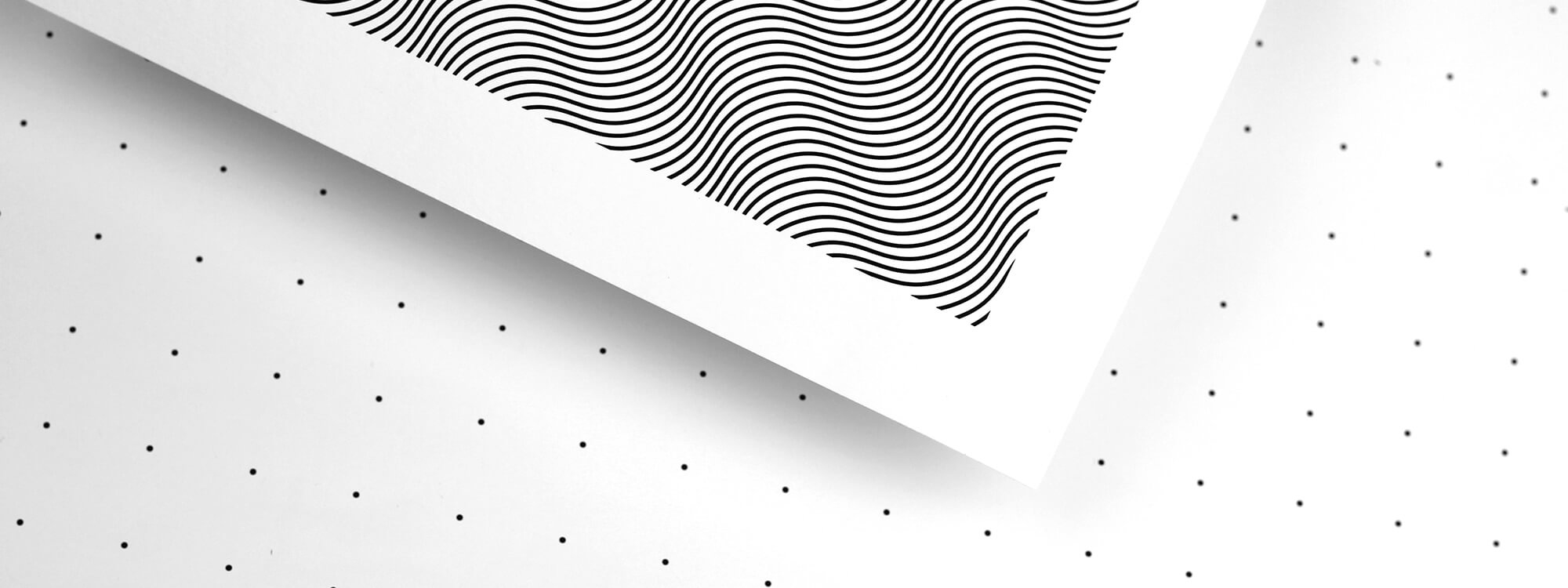
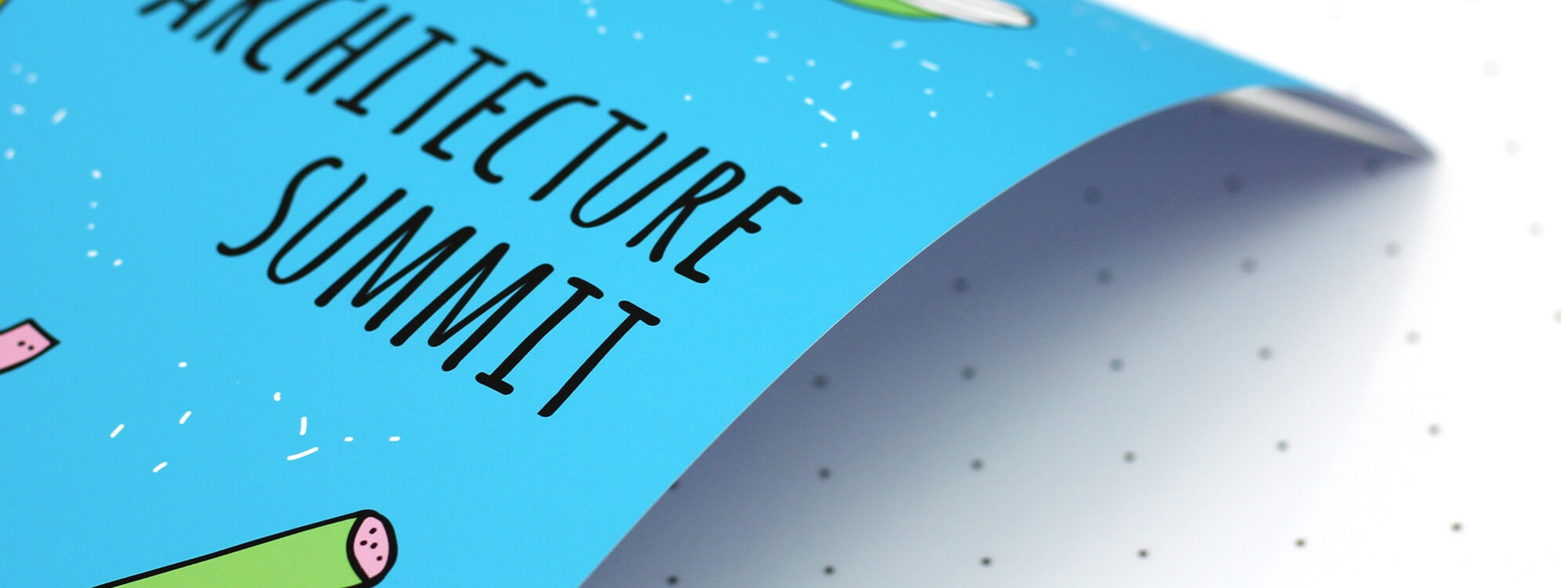
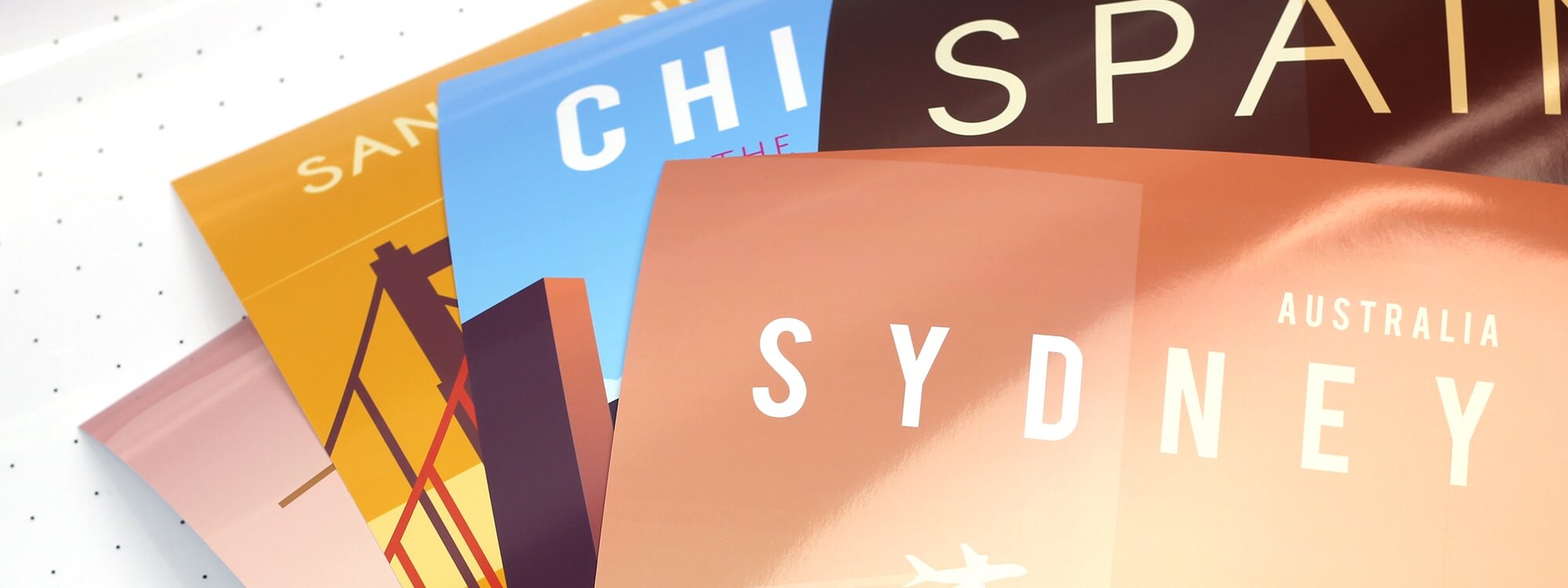
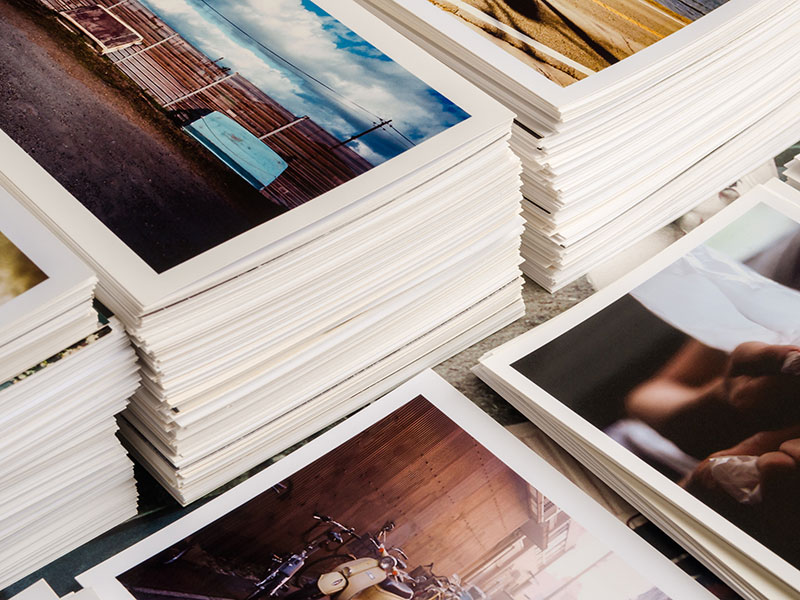


If you’re looking for high quality poster and art printing look no further.
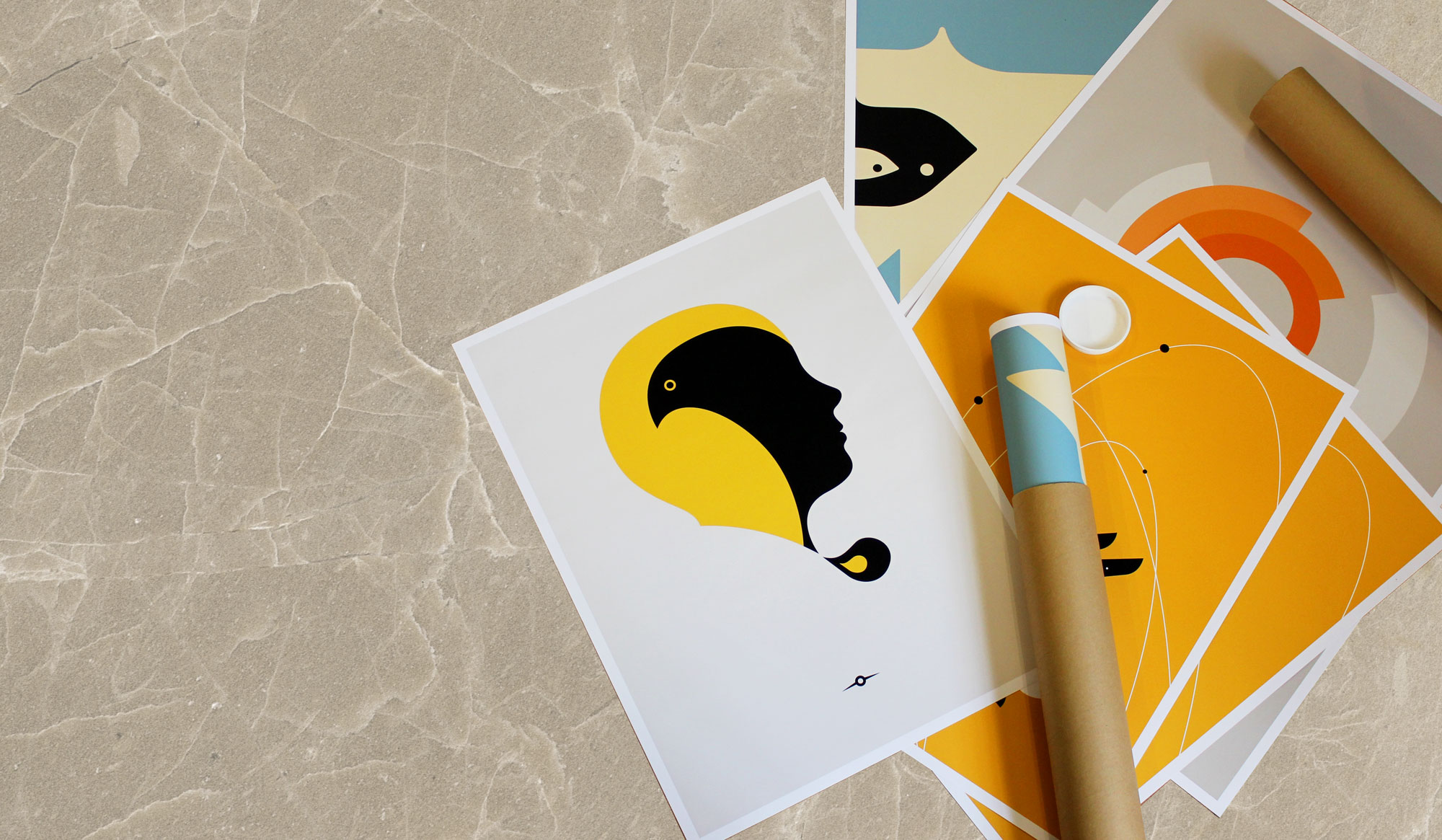
We offer amazing poster and art prints on a range of high quality materials using the latest Epson print technology. Our ultrachrome inks are fade resistant, and when matched with our high quality papers make for a vibrant, long lasting print in ultra high resolution.
If you need giant posters we have you covered - we print up to 1.5m x 1m!
Here’s an overview of the poster and art papers we offer:
Matt, Satin and Gloss Posters
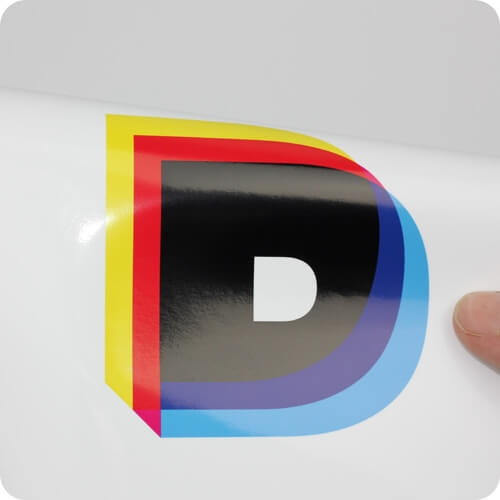
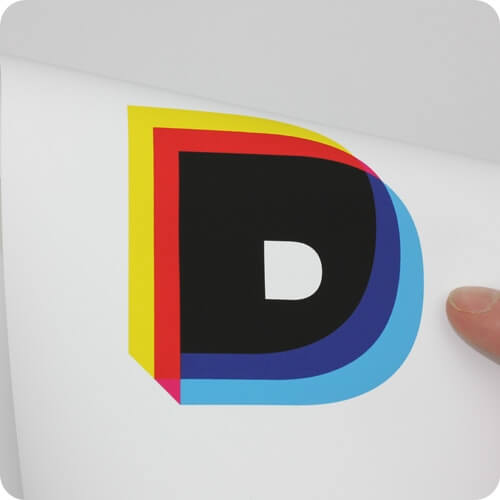
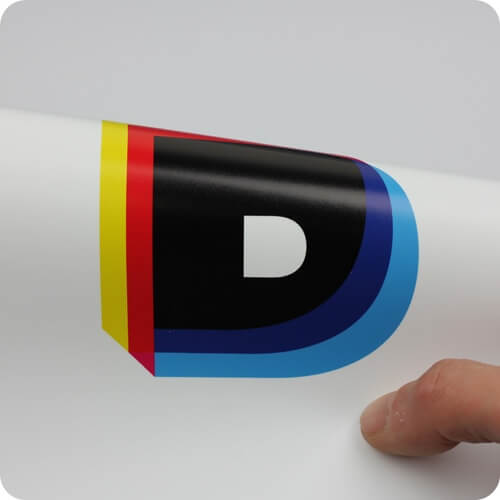
Our standard poster papers come in matt, satin and gloss finishes. Our matt paper is an uncoated 230gsm stock, whilst our coated satin and gloss papers have a light sheen and a high gloss finish respectively. These are 260gsm. Our standard poster papers are available in sizes up to 100cm x 150cm.
Textured Art Papers
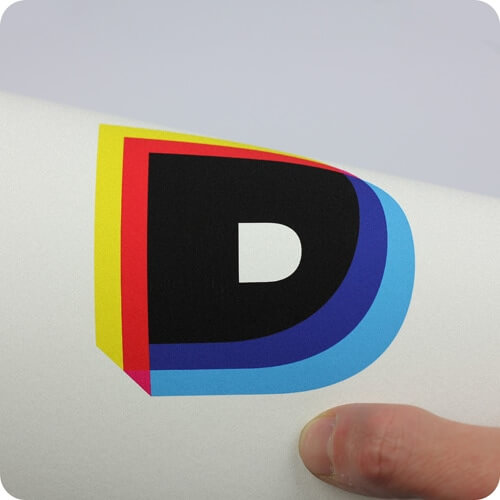
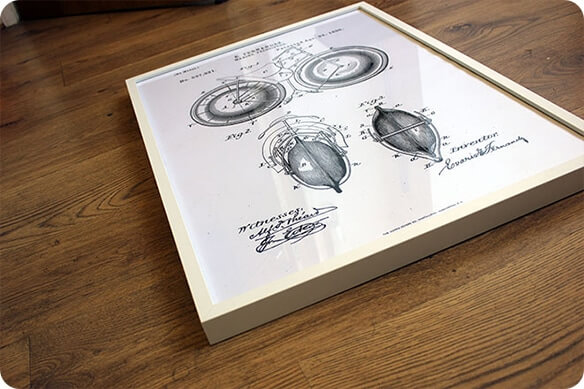
Our textured art paper is a 310gsm acid free rag paper stock with a lightly textured surface. It is slightly off-white, and looks great for illustrations, art reproductions and line work.
Smooth Art 300
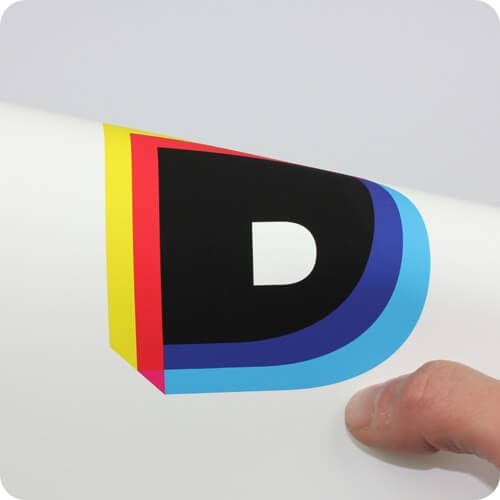
Our smooth art paper is an archival quality acid-free German rag paper with a smooth finish. It is bright white, ensuring accurate colour-reproduction, and will handle fine details and photographic prints with ease. The smooth art paper is paper 300gsm.
From custom one-off prints to limited editions and longer runs we treat every poster and art print with the care it deserves, right through to packing and dispatch.
We offer amazing poster and art prints on a range of high quality materials using the latest Epson print technology. Our ultrachrome inks are fade resistant, and when matched with our high quality papers make for a vibrant, long lasting print in ultra high resolution.
If you need giant posters we have you covered - we print up to 1.5m x 1m!
Here’s an overview of the poster and art papers we offer:
Matt, Satin and Gloss Posters
Our standard poster papers come in matt, satin and gloss finishes. Our matt paper is an uncoated 230gsm stock, whilst our coated satin and gloss papers have a light sheen and a high gloss finish respectively. These are 260gsm. Our standard poster papers are available in sizes up to 100cm x 150cm.
Textured Art Papers
Our textured art paper is a 310gsm acid free rag paper stock with a lightly textured surface. It is slightly off-white, and looks great for illustrations, art reproductions and line work.
Smooth Art 300
Our smooth art paper is an archival quality acid-free German rag paper with a smooth finish. It is bright white, ensuring accurate colour-reproduction, and will handle fine details and photographic prints with ease. The smooth art paper is paper 300gsm.
From custom one-off prints to limited editions and longer runs we treat every poster and art print with the care it deserves, right through to packing and dispatch.